
Check word controls first
Start by reading the control notes so you know whether the game is better with touch, keyboard, mouse, or a larger screen.
- 1Open the game page.
- 2Review the controls block.
- 3Start with a short first run.
Category
Browse word games from the Raven Hubs library. Use this page to compare controls, pace, and play style before choosing a game.
Word
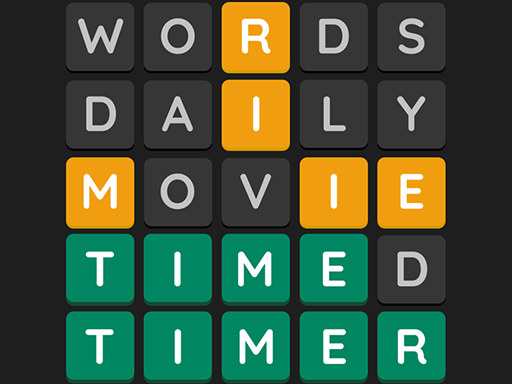
Wordling is a fun, free daily word puzzle game where you guess the hidden word in 6 tries using color-coded clues.
Play Game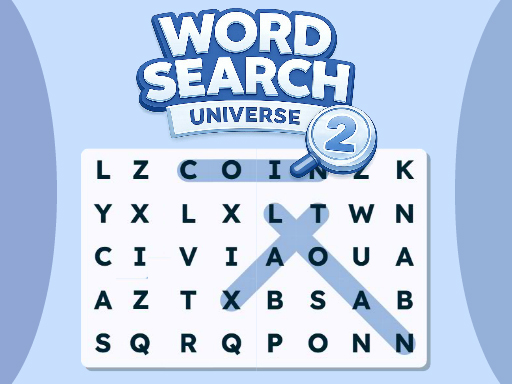
Word
Word Search Universe 2 is a fun and relaxing puzzle game where you find hidden words across many themed levels.
Play Game
Word
Smartle is a free online word puzzle game where you rearrange letters by swapping them on a 5x5 grid to form words.
Play Game
Word
Immerse yourself in "Word Puzzle," a premium brain-teasing game featuring a stunning 3D animated background!
Play Game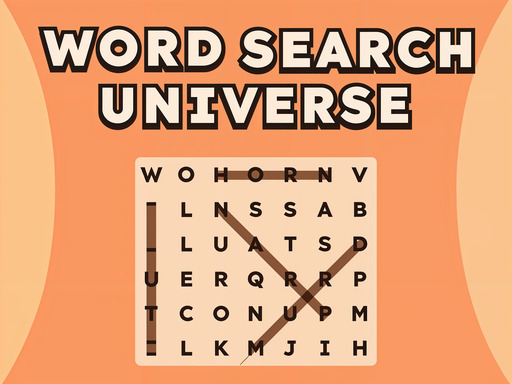
Word
Word Search Universe is a fun and relaxing puzzle game where you search for hidden words in a grid.
Play Game
Word
Word Search Universe: Easter is a fun and relaxing puzzle game with a happy spring theme.
Play Game
Word
A fun and fast-paced word puzzle game where you catch falling letters and guess the correct word across different themes.
Play Game
Word
Valentines Hidden Alphawords is a charming and relaxing Valentine’s Day–themed puzzle game where love meets word discovery.
Play Game
Word
Guess the hidden 5-letter word, solving the clue and using spins of the letter wheel to get hints!
Play Game
Word
Moji Emoji is a fun and clever word/emoji puzzle game where each level challenges you to guess the hidden word or phrase from a set of expressive emojis.
Play Game
Word
A beautiful word puzzle game with challenging yet addictive features for hunting down the words you love!
Play Game
Word
This game is for people who do not just look at letters but see the meaning behind them.
Play GameCategory guide
Short guidance keeps category pages useful when visitors are comparing several games at once.
Start by reading the control notes so you know whether the game is better with touch, keyboard, mouse, or a larger screen.
Quick runs make it easier to compare pace, difficulty, and device fit before committing to a longer session.
Related games and category links help you keep browsing when the first result is close but not quite right.
Search gamesDirectory
A stronger game portal gives visitors multiple browsing paths beyond the first grid.
Use category pages when you know the style of game you want to play.
Open a game page for controls, player notes, related games, and policy context.
Catalog notes
Category notes help visitors compare play styles, controls, related genres, and browsing paths.
Compare controls, device support, pacing, and related tags before choosing what to play.
Use search when a tag, mechanic, mood, or device fit matters more than the top-level category.
Category pages are refreshed as the game library changes, keeping browsing paths aligned with the latest available games.
FAQ
Short answers help visitors understand the page, choose games faster, and find the right support link.
Yes. Game pages are designed around browser play. Some third-party hosts may still open in a new tab when inline embedding is blocked.
The site layout is responsive, but each game can have different controls. Check the game page for device support and controls before playing.
The game library is refreshed during site updates so categories, search, game pages, and guides stay aligned.