Raven Hubs Games
Contact

PLAYPlay

HomeGuidesAbout

CATCategories

PopularNewActionArcadeCardDrivingGeneralPuzzleShootingSimulationSportsStrategyWord

TOPTopics

MobileMahjongBubble ShooterFootballCarSolitaireWordMergeIdle
Raven Hubs Games

Play

HomeGuidesAbout

Categories

PopularNewActionArcadeCardDrivingGeneralPuzzleShootingSimulationSportsStrategyWord

Topics

MobileMahjongBubble ShooterFootballCarSolitaireWordMergeIdle
HomeGuidesAboutPopularNew

Road Digging Puzzle

Browser game player
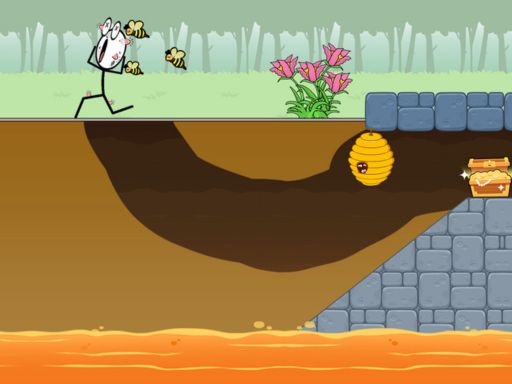
Road Digging Puzzle preview

Road Digging Puzzle

Press start when you are ready to open the playable game area. The game loads only after you choose to play.

Puzzle

Road Digging Puzzle

Road Digging Puzzle is a 1player browser game where you read patterns, solve clear objectives, and test each move carefully. Start with a quick run, then use related games when you want a nearby challenge.

About Road Digging Puzzle

Road Digging Puzzle is a 1player browser game where you read patterns, solve clear objectives, and test each move carefully. Start with a quick run, then use related games when you want a nearby challenge.

1playercreativestickmanCasualPuzzle

Game info

Rating
No rating yet
Category
Puzzle
Content rating
Teens, YoungAdults, Adults, Seniors
Device support
Desktop and mobile
Publisher
Raven Hubs Games
Released
2025-11-02T13:30:00.030Z
Source
Source page

Controls

  • Tip: Featuring fluid water, lava, bombs, mines, breakable glass, hive and more. Start digging and relax with your free time NOW! Just dig with your fingers

How to play

  1. 1. Open Road Digging Puzzle and review the controls before starting.
  2. 2. Start with a short first run to learn the timing and goal.
  3. 3. Use fullscreen only after the game has loaded successfully.

Game features

  • Puzzle gameplay
  • Browser-based play
  • Quick-session structure
  • 1player challenge
  • creative challenge

Tips and strategies

  • Start slowly and learn the controls before chasing a high score.
  • Restart early if the opening route goes wrong.
  • Try related games when the controls or pace do not fit your device.

Play guide

Road Digging Puzzle tips

Use these notes to understand the controls, try a short first run, and decide what to play next.

Tip 1

Start slowly and learn the controls before chasing a high score.

Tip 2

Restart early if the opening route goes wrong.

Tip 3

Try related games when the controls or pace do not fit your device.

Recommended next

Related games are selected from similar categories, tags, and play styles.

Super Swing cover
New

Puzzle

Super Swing

Catalog game
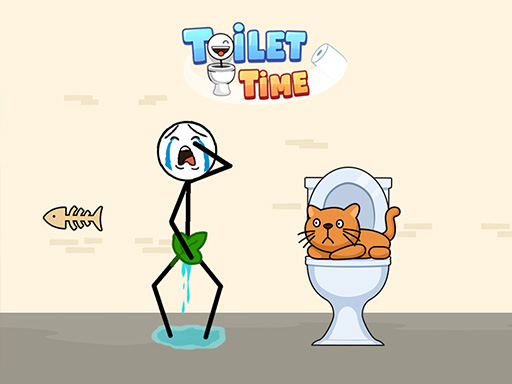
Toilet Time cover
New

Puzzle

Toilet Time

Catalog game
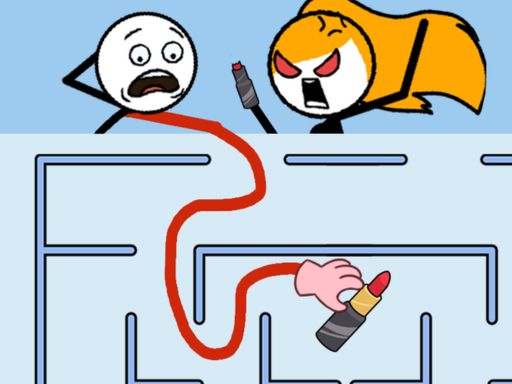
Maze Craze cover
New

Puzzle

Maze Craze

Catalog game
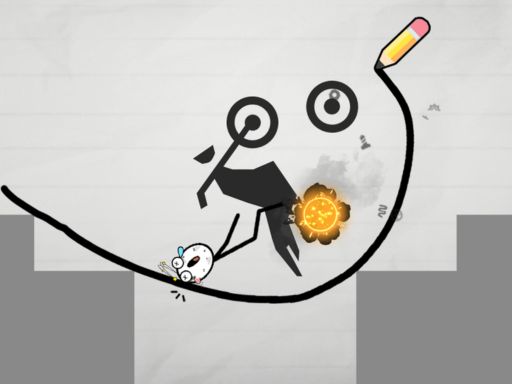
Draw Bridge Puzzle: 1player cover
New

Puzzle

Draw Bridge Puzzle: 1player

Catalog game
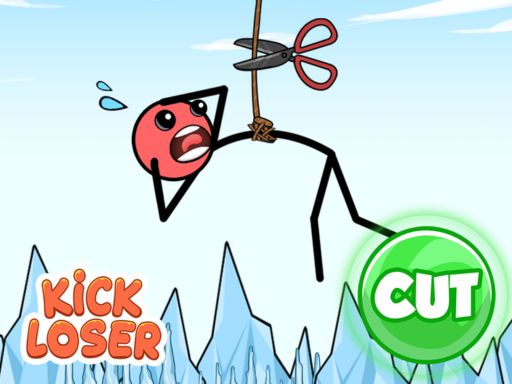
Kick Loser cover
New

Puzzle

Kick Loser

Catalog game
Save the Bees cover
New

Puzzle

Save the Bees

Catalog game
Mr Long Hand cover
New

Puzzle

Mr Long Hand

Catalog game
Through the Wall cover
New

Puzzle

Through the Wall

Catalog game
Alchemy Puzzle cover
New

Puzzle

Alchemy Puzzle

Catalog game
Mr Bounce cover
New

Puzzle

Mr Bounce

Catalog game

Directory

Category directory

A stronger game portal gives visitors multiple browsing paths beyond the first grid.

Browse by category

Use the full category list when you know the broad style you want: action, puzzles, driving, sports, strategy, cards, word games, and more.

Popular games24 gamesNew games16 gamesAction games155 gamesArcade games37 gamesCard games29 gamesDriving games137 gamesGeneral games184 gamesPuzzle games624 gamesShooting games117 gamesSimulation games162 gamesSports games51 gamesStrategy games29 gamesWord games19 games

Browse by topic

Topic pages group games around sharper search intent, such as football, mobile, mahjong, solitaire, merge, idle, car, word, and bubble shooter sessions.

Mobile games1481 gamesMahjong games637 gamesBubble Shooter games690 gamesFootball games54 gamesCar games179 gamesSolitaire games60 gamesWord games31 gamesMerge games832 gamesIdle games310 games

Featured game pages

Open individual game pages to compare controls, device fit, fullscreen behavior, related games, and external play notes before loading the frame.

Obby Football Soccer 3DSportsEuro Football Kick 2016SportsHyper Football Kick Up PartySportsFootball Legends 2026SportsFootball Penalty GoSportsFierce ShotSportsFootball Rush 3DSportsFootball DuelSports

Game guides

Use practical guides when controls, device fit, short-session pacing, or safe third-party playback matters more than a single category label.

How to choose browser gamesDiscovery guideBrowser game controlsControls checklistMobile browser gamesDevice guide

Page notes

About this Road Digging Puzzle page

Additional notes give players a clearer sense of the game, its controls, and nearby browsing paths.

Start with controls

Read the controls, device support, and player notes before loading the game frame so you know whether the first round expects keyboard movement, mouse aiming, touch input, or a larger screen.

Use related games

If this game is close but not quite right, use the related game list for nearby play styles. Related pages are chosen from category, tags, and ranking signals so you can keep browsing without starting from search again.

Page notes

Game notes, controls, tags, source behavior, and related links are grouped together so the page is easier to scan before play. If the embedded frame is blocked, use the retry or external play path and report repeat issues with the game title.

Check screen fit

Use the player in-page first, then switch to fullscreen only after the first playable screen responds. This avoids committing to a layout that may be cramped, blocked, or better suited to a different device.

FAQ

Common questions

Short answers help visitors understand the page, choose games faster, and find the right support link.

Can I play Road Digging Puzzle in the browser?+

Yes. Open the game page, press the start button in the player area, and the browser game frame will load when available.

Which devices support Road Digging Puzzle?+

The page is responsive across desktop, tablet, and mobile screens. Some games may still feel better with keyboard and mouse controls.

Can I play these games in my browser?+

Yes. Game pages are designed around browser play with a start button, player notes, related games, and fallback links. Some third-party hosts may still open in a new tab when inline embedding is blocked.

Do all games work on mobile?+

The site layout is responsive, but each game can have different controls. Check device support, control notes, and the first playable screen before committing to a longer mobile session.

How often does the game library change?+

The game library is refreshed during site updates so categories, topic pages, search metadata, game pages, and guide links stay aligned with the current catalog.

What should I do if a game frame does not load?+

Try the reload control once, then use the external game link when available. If the same title repeatedly fails, include the game title, page URL, browser, and device when reporting it through the contact page.

Player notes

We are collecting feedback patterns for each game page. If you notice a broken control, confusing description, or device issue, use the contact page and include this game title.

Raven Hubs Games is a browser game destination for quick sessions, clear categories, helpful guides, and easy discovery across desktop and mobile.

Games

  • All Games
  • Popular Games
  • New Games
  • Guides
  • HTML Sitemap

Company

  • About Us
  • Contact Us
  • Advertisers
  • Game Creators

Policies

  • Terms of Service
  • Privacy Policy
  • Cookie Policy
  • DMCA / Copyright
  • Disclaimer

Welcome to Raven Hubs Games, a growing collection of browser games, category pages, and play guides built for quick discovery. Browse action, puzzle, driving, sports, strategy, and arcade games, read practical tips before you play, and use our policy pages to understand privacy, cookies, copyright, and site rules.

Copyright © 2026 Raven Hubs. All rights reserved.